
An OpenFOAM workflow for CFD simulation
The real reason why other tools feel easier...

Hey, Nasser here 👋
OpenFOAM gives you power, transparency and control
In exchange, it demands:
thinking
responsibility
clear intent
But using OpenFOAM for CFD simulation in practice can be overwhelming for most.
I struggled to “get it” for far too long until I changed my approach.
If you’ve gone ahead, downloaded and installed it on your machine, perhaps even ran a case, you’ve made a choice.
And a good one, in my opinion.
It tells me that you’re determined to use CFD solvers like a pro.
But most get flustered when they get past a simple 2D simulation with OpenFOAM.
At this point they either give-up or struggle one last time.
There’s another option and most don’t talk about it…
Developing a practical workflow you can rely on
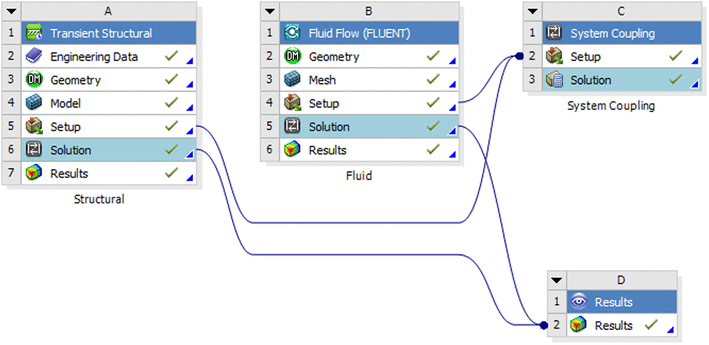
Commercial tools do one thing extremely well - they give you a nice orderly GUI and workflow to follow.
This is either explicitly using a Wizard, for example or implicitly via the GUI, disabling buttons and settings until you’ve completed the prerequisite steps in the process.
Let’s then define what a workflow really is:
It’s a step-by-step process you setup and follow regardless of the specific case or complexity of the physics.
A good workflow will allow you to:
Create cases and simulation setups quickly
Understand the steps regardless of the solver or geometry you use
Get repeatability in the process with reduced guesswork
Get improved and consistent quality across studies
Easier peer reviews and comparison of results
In other words the CFD simulation process is scalable with a workflow.
This is what really differentiates the professional user if you ask me.
A workflow checklist for OpenFOAM
I’ve put the time in to stress-test the process of creating a usable, practical workflow for OpenFOAM.
Download my PDF checklist and remove the guesswork using OpenFOAM: