
I got fed-up manually generating and viewing the resulting mesh.
So I automated snappyHexMesh.

Generating a mesh and inspecting gets frustrating.
And you’d think I’d get used to the process after using OpenFOAM for a while.
Wrong.
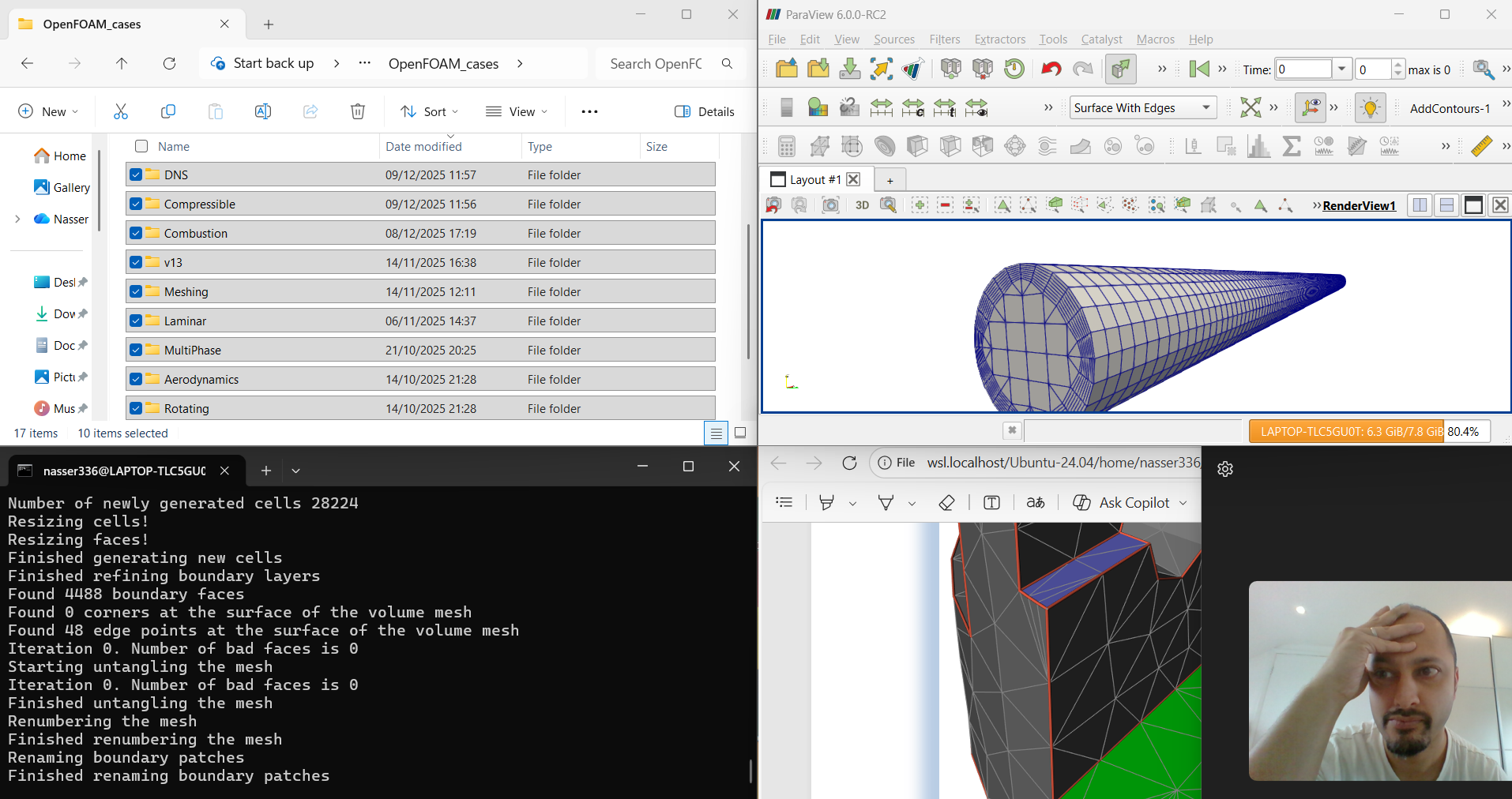
You see it still costs time - something far more valuable than anything else.
I realised I was doing the same thing over and over again. Something like this…
Load the OpenFOAM environment in a terminal
Write out .foam file
Launch ParaView
Load the .foam file
Slice data set in camera normal plane / XY
Switch view style to “surface-with-edges”
Crinkle slice / remove the triangulation
Switch camera to parallel projection view
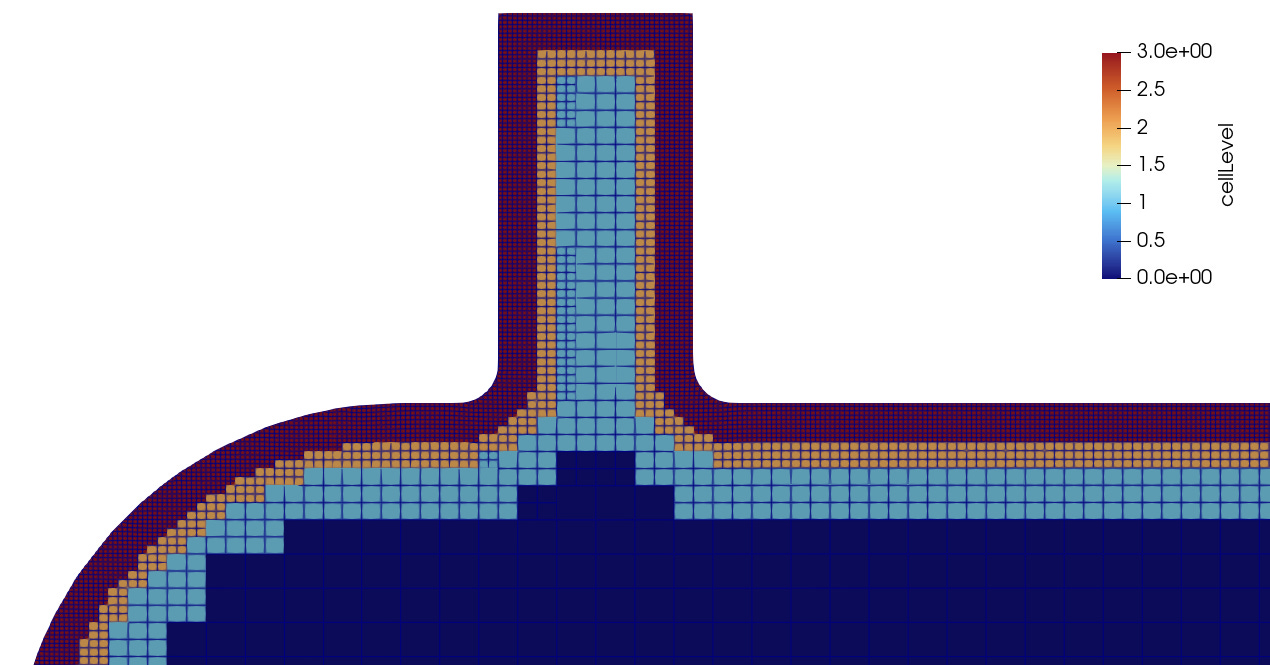
After a while, all you really want to do is change the snappyHexMesh dict file, run the command to start meshing and look at the new result.
That’s it.
Sure, I could have written a batch file to take care of the snappyHexMesh process. Then a ParaView macro to execute the process within that at the click of a button.
But that still feels a little disjointed and impractical.
In comes Python
You’ve likely heard of this “programming” language (it’s more like a glorified scripting language with access to a bunch of libraries, but that’s neither here nor there!).

You can do some cool things with it, making things happen with your computer and the software tools that sit on it.
And that’s what matters here.
Whilst I’ve been a Software Engineer for a few years with a previous background in Mechanical Engineering, I don’t have the inclination to make this more complicated than it has to be or spend excessive time on it. I intentionally stayed away from low-level / “serious” languages like C++ here.
Oh, and I’m not contemplating using any kind of AI here (I grew up in the 90’s and engineering in the early 2000’s - a time when CFD tools crashed when trying to generate a mesh with over 100,000 elements!).
A little bit of planning goes a long way
I like splitting things up into parts just so I can “see” how it works as a whole.
The process of building a tool really is like building something out of physical Lego bricks - you build a parts and do a whole lot of testing, hope it breaks in front of you and repeat the cycle.
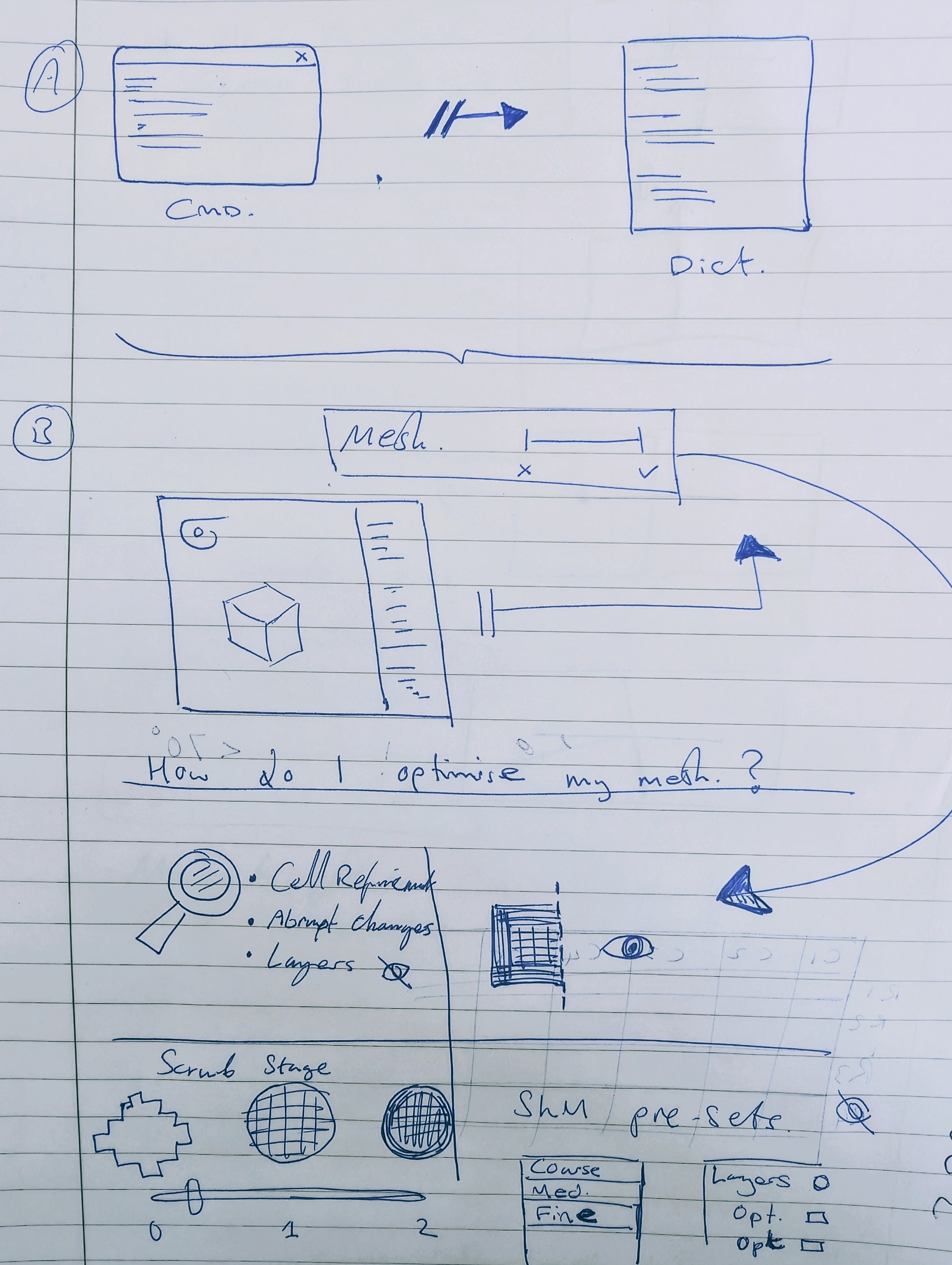
I mapped out the full process based on a simple flow as best as I can see it at the time...
Getting it to shake hands
A new process needs to be spawned in order to mimic the launch of a terminal / command prompt.
I’m running a Windows WSL-based installation of OpenFOAM so I needed to start the WSL environment before I could see any OpenFOAM commands.
There’s a library that let’s you access internal Windows OS processes, exposing this kind of thing.
From here it was a case of interrogating what I had available from the field data sets and associated case files.
What I’ve got so far…
This is only the start of what I think could be a useful tool if done with some thought.
You really don’t need a GUI to use snappyHexMesh so I don't plan on making this do any kind of setup in that way. I’ve been contemplating of having something more useful - a bit like a mesh debugging tool rather than just a 3D mesh visualiser.
If you’re a paid / premium subscriber of my newsletter you’ll get the chance to test-drive this tool and hear about it before anyone else.
I hope you’ve enjoyed this weeks post.
See you soon.
Nasser